The Links page allows you to share information linked to your business with your clients.
If you want to create a Links page, click on  . It opens this window:
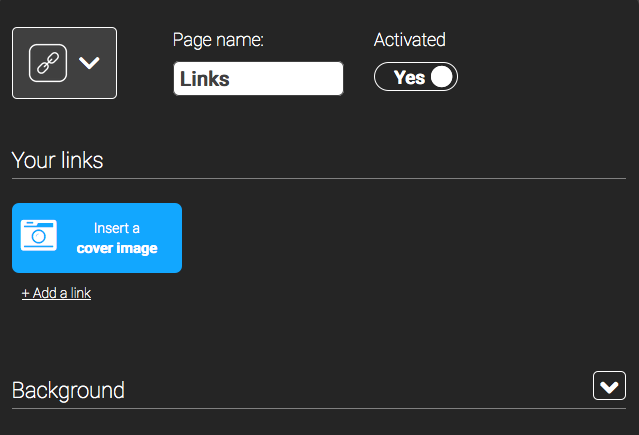
First of all, you have to work on the content, then you can work on the design.
1. The content
To add a new link, clik on “+ Add a link”. Then this appears:

Now, you just have to write the name of your link in “Title” and the url address of the link in “link”. You can also add a logo to your link if you click on  “Picto”. This way, you obtain this link:

2. Design
 .
.

Once you have clicked on  , this window opens:
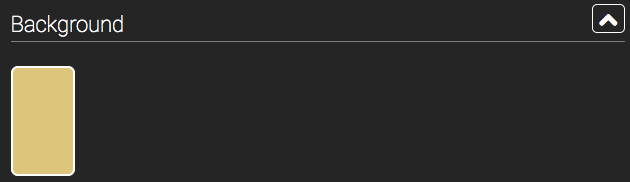
If you click on the background (here the blue rectangle) you can change it.
3. Conclusion
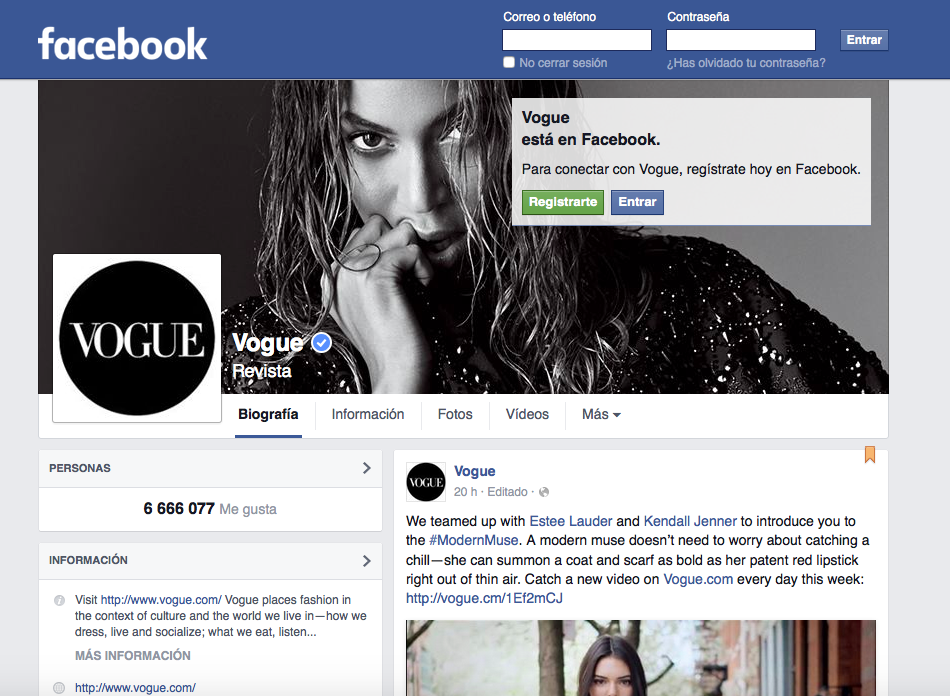
Thus, when someone will click on a link, he will be automatically redirected towards the page he wishes. For instance, if you click on “Vogue” in the above page, you will be redirected towards: